Automated, timestamped screenshots — cheap and simple.
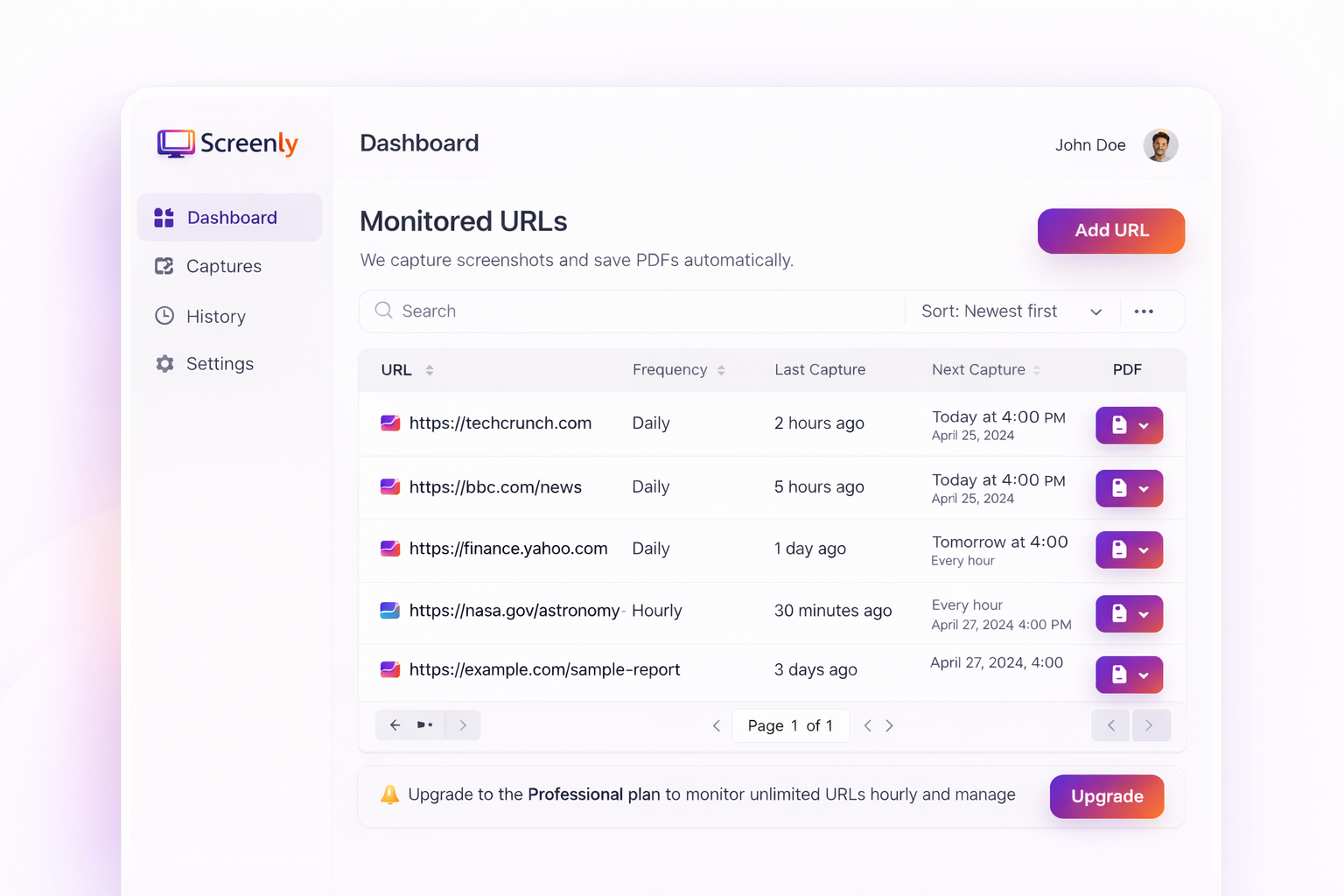
Timedshot automatically takes screenshots of webpages on a schedule and turns each one into a timestamped PDF. No coding, no complicated dashboard. Just add a URL, pick a schedule, and get your proof.
Timedshot is a low-cost, no-code tool that automatically captures scheduled screenshots of a webpage and delivers them as timestamped PDF files.
How it works
Three steps to timestamped proof
Add URL
Paste the URL you want to monitor. It's captured immediately — no need to schedule the first one.
Set your schedule
Schedule the next capture:
- · Weekly
- · Biweekly
- · Every 29 days
- · Every 30 days
- · Specific date
Get your proof
Your timestamped PDF is emailed to you and available in your account for 60 days.
See it in action
Watch how Timedshot works
Pricing
Simple pricing
Start free. Upgrade when you're ready.
Basic
For individuals getting started
CAD / month
- ✓ Up to 15 URLs every 30 days
- ✓ Scheduled captures
- ✓ timestamped PDF downloads
Professional
For power users and teams
CAD / month
- ✓ Up to 40 URLs every 30 days
- ✓ Scheduled captures
- ✓ timestamped PDF downloads
Enterprise
For large teams and organizations
custom pricing
- ✓ Unlimited URLs
- ✓ Scheduled captures
- ✓ timestamped PDF downloads
Contact us:
support@timedshot.caWhat is Timedshot?
Timedshot automatically captures a screenshot of webpages on a schedule you choose — weekly, biweekly, every 29 or 30 days, or on a specific date — and turns it into a timestamped PDF. Each PDF is emailed to you and stored in your account for 60 days. It’s built for people who need simple, affordable proof of a webpage’s appearance on a given date, without the complexity or cost of enterprise archiving tools.
Hiring foreign workers in Canada
If you’re an employer hiring foreign workers in Canada — recruiting under the Temporary Foreign Worker Program or applying for an LMIA — Timedshot gives you timestamped PDF proof of your job postings, captured automatically on a schedule.
Frequently asked questions
Why is Timedshot different from other screenshot services?
Timedshot is a lower-cost option for anyone who just needs scheduled, timestamped screenshots rather than full change-monitoring or alerting. Plans start at $12 CAD/month for up to 15 URLs, with no setup complexity.
How do I get a timestamped screenshot of a webpage?
Add the URL to Timedshot, choose a capture schedule (weekly, biweekly, every 29/30 days, or a specific date), and Timedshot automatically captures the page and emails you a timestamped PDF — no manual screenshotting required.
Can I schedule automated screenshots without coding?
Yes. Timedshot requires no code, no API keys, and no technical setup — just paste a URL and set a schedule from the dashboard.
How is Timedshot different from a screenshot API like Urlbox or ScreenshotOne?
Those are developer tools you integrate into your own code. Timedshot is a ready-to-use app for individuals and small teams — no integration needed, just a URL and a schedule.
How long are my screenshots stored?
Every capture is available as a downloadable PDF in your account for 60 days, and also emailed to you at the time of capture.
Is there a free trial?
Yes — 15 days free, no credit card required.
Hiring foreign workers in Canada - LMIA process
How do I document job postings for an LMIA application?
Service Canada requires employers to provide proof of every job posting used in a Labour Market Impact Assessment (LMIA) application, including when and where it ran. Timedshot handles the capture: on your chosen schedule, it automatically captures the page and emails you a timestamped PDF, giving you consistent, dated proof throughout the recruitment period without manual screenshotting. Timedshot stores captures for 60 days, so download and save your PDFs to your own records.
Can Timedshot capture postings on any job site, including Indeed or Glassdoor?
Most standard job board and career page URLs work well. Some major platforms — including Indeed, Glassdoor, and Eluta — may block automated screenshot capture. If you're advertising on one of these sites, check that Timedshot can successfully capture it before relying on it for your recruitment record, and consider a manual screenshot as a backup for those platforms.
Ready to capture your first screenshot?
15-day free trial · No credit card required